Smart Home for Beginners: Where to Start
Echo Hub, Nest Hub, or HomePod mini? Our starter guide walks you through picking an ecosystem hub and your first lighting kit without costly mistakes.
By Connected Home Team · Updated 12 July 2026
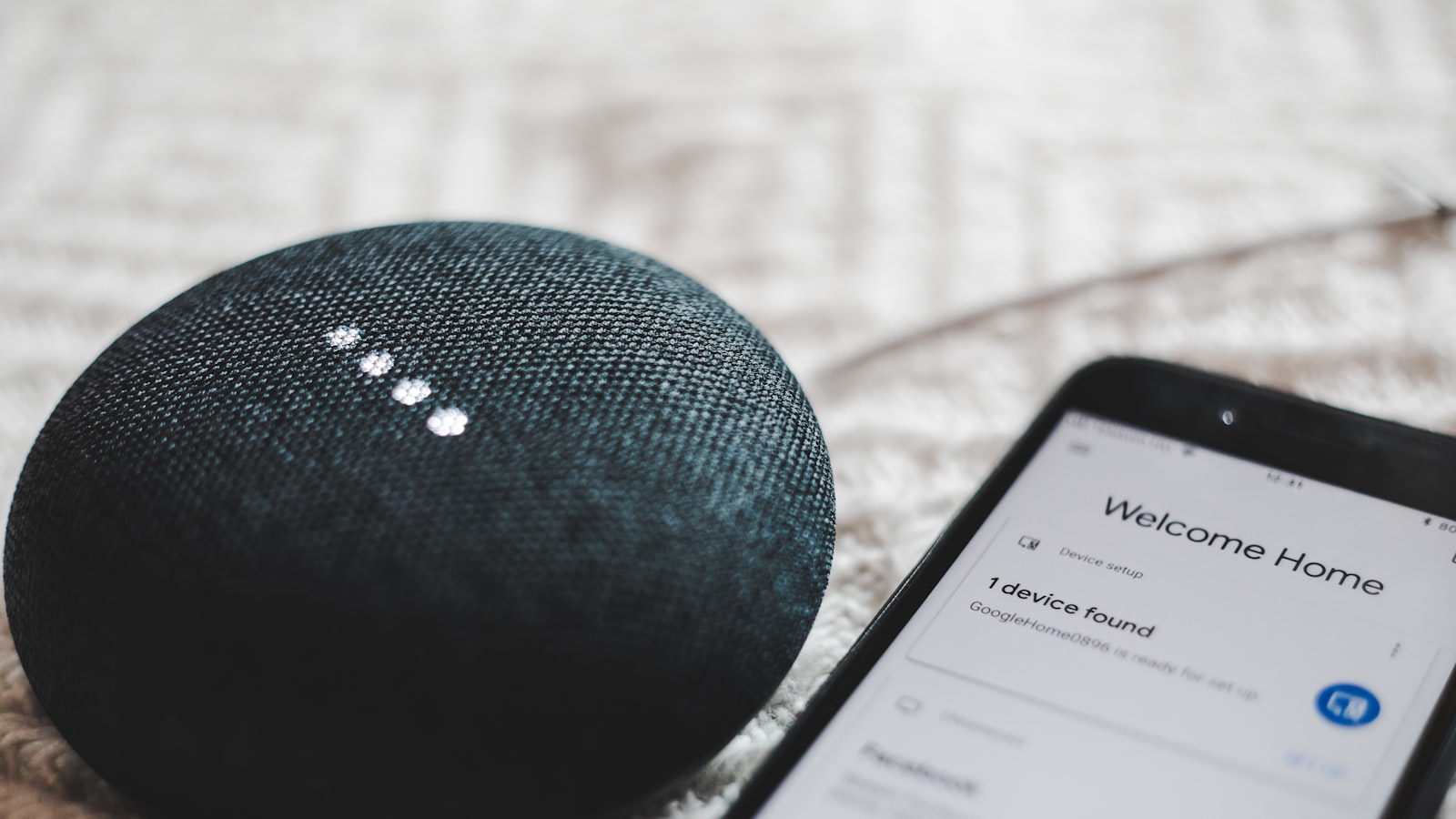
The biggest beginner mistake is buying gadgets before choosing an ecosystem. Lights, video doorbells, and thermostats from mixed brands can work together, but only if you plan for Matter, run a hub, or accept some limitations upfront.
This guide is not a scored review. It is a practical order of operations for your first two purchases. Pick one of the three major ecosystem hubs below, then add a lighting starter that works with it.
Step 1: Pick your ecosystem
Your phone and voice assistant should drive this decision more than any single gadget.
| Ecosystem | Best if you… | Starter hub | Price tier |
|---|---|---|---|
| Amazon Alexa | Want the widest device compatibility and voice control | Amazon Echo Hub | Mid |
| Google Home | Use Android and Nest devices daily | Google Nest Hub (2nd Gen) | Entry |
| Apple Home | Are all-in on iPhone, iPad, and Mac | HomePod mini | Mid |
Matter matters in 2026. Look for the logo on anything new so devices can move between ecosystems later. You do not need every protocol on day one; just favour Matter-capable kit when the price gap is small.
Step 2: Compare the three ecosystem hubs
These three are controllers, not lighting and not doorbells. Pick the column that matches the phone in your pocket.
| Amazon Echo Hub | Google Nest Hub (2nd Gen) | HomePod mini | |
|---|---|---|---|
| Ecosystem | Alexa | Google Home | Apple Home |
| Screen | 8-inch touchscreen | 7-inch touchscreen | None (voice-first) |
| Best for | Alexa households; wall-mounted smart home dashboard | Google/Android homes; kitchen or bedroom display | iPhone households; Siri and HomeKit control |
| Hub protocols | Zigbee, Matter, Thread, Wi-Fi, Bluetooth | Wi-Fi, Bluetooth, Matter controller | Thread, Matter; HomeKit hub |
| Voice assistant | Alexa | Google Assistant | Siri |
| Camera | None | None | None |
| Standout feature | Built-in smart home dashboard + tap control | Sleep Sensing (Soli radar) | Thread border router; tight Apple device integration |
| Main trade-off | Alexa-only; table stand costs extra | Weaker hub than Echo Hub; it is a Matter controller, not a Zigbee hub | No display; best value inside Apple Home only |
| Price tier | Mid | Entry, the cheapest way in | Mid |
| Apple alternative | — | — | Apple TV 4K, a step up in price, if you want a TV box that doubles as a home hub |
Prices differ by country and move quickly with sales, so we don't quote fixed figures here. Our product pages show an approximate band for your region, and the retailer listing has today's real price.
We review the Echo Hub and Nest Hub on this site. We link to Apple's own pages for the HomePod mini because we don't yet publish a separate Apple hub product page, but it belongs in this comparison if you're on iPhone.
Amazon Echo Hub — pick this if…
You already use Alexa, own Ring devices, or want a wall-mounted control panel built around the smart home rather than bolting it on as a side feature. The 8-inch screen and built-in Zigbee/Matter/Thread radios make it the strongest Alexa brain here.
Skip it if you're a Google or Apple Home household.
Google Nest Hub (2nd Gen) — pick this if…
You already live in Google Calendar, Photos, and Assistant. The 7-inch display suits a kitchen or bedside: timers, weather, doorbell feeds, and routines, with no camera in the room. It's also the cheapest way in of the three.
Skip it if you need a heavy-duty Zigbee hub for dozens of devices on day one. The Echo Hub is the better dedicated controller. The Nest Hub is the better Google lifestyle screen.
HomePod mini — pick this if…
You use an iPhone, iPad, or Mac daily and want Siri plus Apple Home automations without committing to Alexa or Google. It doubles as a HomeKit hub and a Thread border router for Matter accessories.
Skip it if you want a screen for doorbell feeds and dashboards. Choose the Nest Hub or Echo Hub instead, or add an Apple TV 4K if your living room already centres on the TV.
Step 3: Add lighting — Philips Hue starter kit
Lighting is a second purchase, not a third ecosystem. Whichever hub you chose, smart bulbs are usually the best first automation win.
The Philips Hue White and Colour Ambiance starter kit is our default because it works across Alexa, Google, and Apple HomeKit alike:
| Philips Hue starter kit | |
|---|---|
| Included | 3× colour bulbs + Hue Bridge 2.0 |
| Bulb cap | Sold in different fittings by region. Check yours before you buy (see the trap below) |
| Works with | Alexa, Google Assistant, Apple HomeKit |
| Protocol | Zigbee via Hue Bridge; bulbs stay responsive |
| Price tier | Premium, typically more than the hub itself |
| Trade-off | Bridge required; costs more than budget Wi-Fi bulbs |
Hue is not the cheapest path. Matter Wi-Fi bulbs cost less per bulb, but they're harder to troubleshoot when your router changes. What Hue buys you is reliability and the largest accessory range of any lighting system.
Step 4: Buy in this order
- Ecosystem hub. Echo Hub, Nest Hub, or HomePod mini.
- Smart lighting. Pair it with whichever hub you picked.
- Smart plugs. Automate lamps and fans without rewiring (browse smart home gear).
- Video doorbell or thermostat. These are bigger installs. Do them once you trust your home network, and see our Ring vs eufy doorbell comparison first.
If you have pets and hard floors, a robot vacuum is a separate track. Tackle that after the basics work reliably.
Step 5: Starter bundles that actually work
| Your household | Hub | Lighting | Why this pairing |
|---|---|---|---|
| Alexa | Echo Hub | Hue starter kit | The Echo Hub's Zigbee/Matter radios pair cleanly with Hue, and you get full dashboard control |
| Nest Hub (2nd Gen) | Hue starter kit | Nest Hub handles routines; Hue adds reliable colour scenes in Google Home | |
| Apple | HomePod mini | Hue starter kit | Hue is one of the most dependable HomeKit lighting systems |
In every case the lighting kit, not the hub, is the larger share of the bill. Check current pricing on our product pages, and on Apple's site for the HomePod mini.
Step 6: Avoid these traps
Too many apps. If a device doesn't work in your main ecosystem app, think twice before buying it.
Subscription creep. Doorbells and cameras each add a monthly cloud-history fee. One is easy to absorb. Four is a real bill.
Wi-Fi dead zones. Mesh Wi-Fi often matters more than another smart bulb. Fix your coverage before you add dozens of devices to the network.
The wrong bulb cap. Bulb fittings are regional. The UK and Ireland use B22 bayonet and E27 screw, most of Europe uses E27, and North America uses E26 screw. Hue sells the same kit in each fitting, so confirm the cap on the listing in your own country before ordering. Our guide to which bulb cap you need covers how to identify yours, and the one voltage mismatch that is genuinely unsafe.
The wrong mains voltage. Anything that plugs into the wall, smart plugs especially, is sold in country-specific versions. Buy from your own region's store rather than an import listing.
Bottom line
Pick one ecosystem hub that matches your phone: Echo Hub for Alexa, Nest Hub for Google, HomePod mini for Apple Home. Then add the Hue starter kit as your lighting layer.
Hue works with all three, so you're not locked in if your ecosystem changes later. Compare full specs, pros and cons, and pricing on our product pages below.
Frequently asked questions
- What should I buy first when starting a smart home?
- Choose your ecosystem hub first: Echo Hub for Alexa, Nest Hub for Google, or HomePod mini for Apple Home. Add a smart lighting starter next, then smart plugs. Leave bigger installs like a video doorbell or thermostat until your home network is reliable.
- How much does a starter smart home setup cost?
- Plan for one ecosystem hub plus a three-bulb lighting starter kit before you add smart plugs or a doorbell. The hub is usually the cheaper half. Prices move constantly and differ by country, so check the current price on each product page rather than budgeting from a fixed figure.
- Which ecosystem should I choose — Alexa, Google, or Apple?
- Match your hub to the phone you already use. The Philips Hue starter kit works with all three ecosystems, so your lighting layer isn't locked in even if you switch ecosystems later.
- Do I need a hub, or can I just use Matter?
- You can mix brands if you plan around Matter, but a dedicated ecosystem hub gives the most reliable routines and dashboard control for beginners. Starting with one hub avoids the common trap of juggling too many apps.
Products mentioned
- Amazon Echo Hub
A dedicated wall panel for a serious Alexa smart home, and only for that. If you have a lot of devices and want a glanceable dashboard instead of a phone, it delivers. If you have a few bulbs, buy an Echo Show and save the money.
- Google Nest Hub (2nd Gen)
The cheapest sensible way into Google Home, and a good bedside or kitchen display. Sleep Sensing is still free, whatever you may have read. Just do not count on radar tracking you accurately if you share the bed.
- Philips Hue White and Colour Ambiance Starter Kit
The most reliable way to start smart lighting, and the layer that survives you changing your mind about ecosystems. It works with Alexa, Google and HomeKit alike, so your lighting is not locked to whichever hub you bought this year.
More on smart home
- Does Nest Hub Sleep Tracking Need Fitbit Premium? No, and Here's Why Everyone Thinks It Does
Sleep Sensing on the Nest Hub is still free. Google announced the Fitbit Premium paywall in 2021 and has delayed it every year since. What that means if you're buying.
- Echo Hub vs Google Nest Hub: They Are Not the Same Kind of Product
The Echo Hub is a wall control panel with real hub radios. The Nest Hub is a cheap bedside display. Most people asking should buy neither.
- eufy E340: What 'No Subscription' Actually Means
The eufy E340's no-monthly-fee claim is true, and it is not the whole story. What local storage really gets you, and the four catches worth knowing first.
- Popular Smart Home Kit That Scores Low With Us (and Why)
Five widely recommended smart home products that score in the 6s and 7s on our scale, the specific flaw behind each number, and who should still buy them anyway.
Affiliate disclosure: we may earn a commission when you buy through links on this page at no extra cost to you. Read our methodology.