Best Mesh Wi-Fi for Large Homes and Thick Walls (2026)
Wi-Fi 7 mesh systems compared for big homes and thick walls. Our picks for coverage, smart-home setups, and value, plus how many nodes you actually need.
By Connected Home Team · Updated 11 July 2026
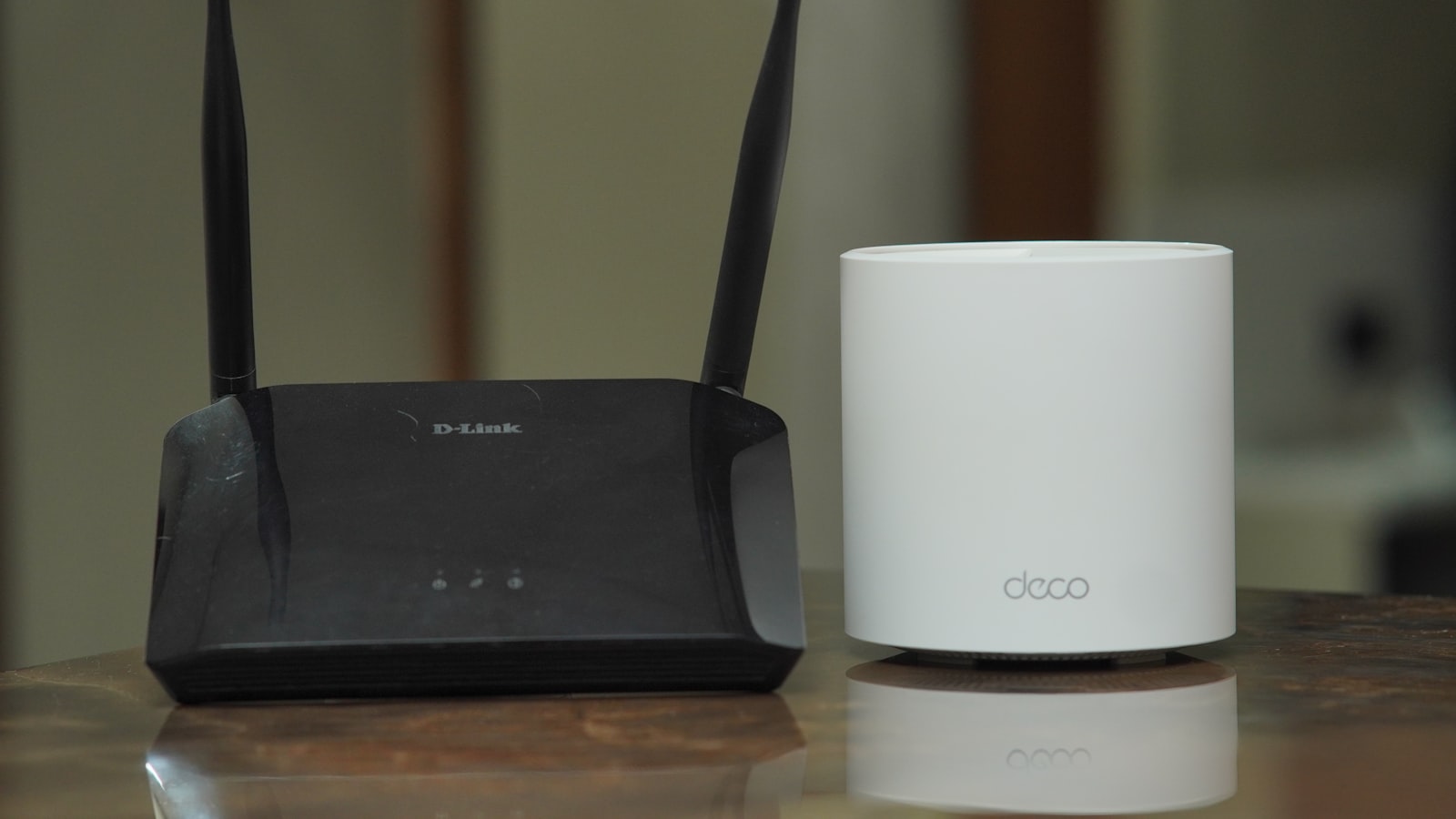
A big home or dense walls will defeat a single router no matter how expensive it is. The fix is a mesh system: two or more nodes that blanket the house in one network, with your devices handed between them as you move. In 2026 the systems worth buying run Wi-Fi 7, and what separates them is coverage, backhaul, and how much you want to fiddle with settings.
New to home networking? Mesh sits at step four of our smart home beginner's guide. Sort your Wi-Fi out before you add doorbells and cameras that depend on it. Browse all networking picks or jump to a product below.
Quick picks
| Use case | Our pick | Why |
|---|---|---|
| Best all-round for most large homes | TP-Link Deco BE85 | Reviewers rate its real-world speed among the best, at a far saner price. Note: the nodes have audible fans |
| Biggest or most awkward homes | Netgear Orbi 970 | Dedicated backhaul, best edge-room speed. Genuinely excellent, genuinely overpriced |
| Easiest setup, and a smart-home hub | Amazon eero Max 7 | Effortless app, built-in Zigbee/Thread/Matter hub. But see the warning below |
What to look for in a mesh system
- Tri-band or quad-band, not dual-band. Cheap Wi-Fi 7 kits drop the 6GHz radio, which is where most of the benefit lives. You want a spare band for backhaul, the traffic that runs between nodes.
- A dedicated or fast backhaul. In a dense-walled home the node-to-node link is the bottleneck. The Orbi 970 dedicates a whole 6GHz band to it. The Deco BE85 and eero Max 7 manage it well over tri-band or wired Ethernet.
- Multi-gig ports on every node. If you can run an Ethernet cable, wired backhaul beats any wireless link. Look for 2.5GbE or 10GbE ports on each unit. All three picks have them.
- The right number of nodes. Buy by walls, not by marketing square footage. What your walls are made of matters more than the floor area, and a solid-masonry home needs more nodes than a timber-frame build of the same size.
How many nodes for your home?
Wall construction varies enormously by country, and it is the single biggest factor.
Timber frame with plasterboard (drywall) walls, common in North America and in newer builds elsewhere, lets signal through easily. Two nodes usually cover a large footprint.
Solid brick, stone, or concrete internal walls, common in older European housing and across much of Asia and Latin America, absorb signal sharply at every wall. Plan on three nodes or more.
Multi-storey homes want a node per floor, ideally stacked roughly above one another. A concrete floor slab is as much of an obstacle as a wall.
A detached garage or garden office needs a wired run or a dedicated satellite. Wi-Fi rarely reaches cleanly across open ground.
Manufacturers quote coverage in square feet or square metres, measured in open-plan conditions. Treat those numbers as a ceiling you will not reach, not a promise.
If you're chasing a dead zone in one specific spot, a single extra node placed between the router and the dead zone will beat a more expensive system placed badly.
The picks in detail
TP-Link Deco BE85 — best for most large homes
Genuine tri-band Wi-Fi 7 with a fast 6GHz radio, and dual 10G plus dual 2.5G ports on every node for excellent wired backhaul. Reviewers put its real-world throughput and consistency among the very best available, at a considerably lower price than the Orbi.
One thing to know before you choose where to put it: the nodes have cooling fans that spin up loudly for several minutes at a time, a few times an hour. In a hall or a living room you will not care. In a bedroom or a quiet study you will.
Amazon eero Max 7 — easiest, and the one to think hardest about
The most painless system to set up and then forget about, with reliable roaming and a built-in Zigbee, Thread and Matter hub that genuinely earns its keep in a smart home.
Here is the awkward part, and it matters especially in this guide. Reviewers report that its performance falls away at longer distances, which is a strange flaw in a system sold for large homes, and it is the exact scenario this page is about. Several reviewers also conclude that the cheaper eero Pro 7 is the smarter buy for most households, and at least one is scathing about the Max 7's value.
Buy it for the app and the hub. Do not buy it expecting it to out-cover the Deco or the Orbi, because the evidence says it will not.
Netgear Orbi 970 — coverage king, and priced like it
Quad-band Wi-Fi 7 with a dedicated 6GHz backhaul, which keeps far rooms fast where cheaper mesh fades out. Reviewers put its coverage and roaming near the top of the class, and they are equally united that the price is extraordinary. Some owners also report dropouts once a lot of devices are connected.
Buy it if your home genuinely defeats the Deco. Not otherwise.
Bottom line
Most large homes should buy the TP-Link Deco BE85. It is the best balance of speed, ports and price, and reviewers rate its real-world performance alongside systems costing much more. Just put the nodes somewhere you will not be annoyed by a fan.
Step up to the Netgear Orbi 970 only if your home is large or awkward enough that the Deco cannot cover it. It will cost you a great deal more for a result most people will not notice.
Choose the eero Max 7 for the app and the built-in smart-home hub, with your eyes open about the distance performance above. If those two things are not what you need, the other two are better mesh systems.
Whichever you choose, run Ethernet for the backhaul if you possibly can. It does more for a dense-walled home than any amount of extra spend on the wireless spec.
Frequently asked questions
- How many mesh nodes do I need for a large home?
- Plan by walls, not just floor area. A timber-frame or plasterboard (drywall) build can cover a large footprint with two nodes, while a home with solid brick, stone, or concrete internal walls often needs three or more because dense walls absorb signal. As a rule of thumb, add a node for each floor and for any room that sits two solid walls away from the router.
- Is Wi-Fi 7 worth it, or is Wi-Fi 6 enough?
- On a home broadband connection of 1 Gbps or below you won't see a day-to-day speed difference from Wi-Fi 7 alone. The real reason to choose it here is the 6GHz band and its wider channels, which give a fast, clean backhaul between nodes. That is what keeps far rooms quick in a big house.
- Does a tri-band or quad-band system matter for thick walls?
- Yes. Avoid cheap dual-band Wi-Fi 7 kits that drop the 6GHz radio. A tri-band system like the Deco BE85 or eero Max 7, or a quad-band system with a dedicated backhaul like the Orbi 970, reserves a lane for node-to-node traffic. Your devices then aren't fighting the backhaul for bandwidth through dense walls.
- Should I use wired or wireless backhaul?
- Wired backhaul (an Ethernet cable between nodes) is always best, and it dramatically improves speed and reliability in dense-walled homes. If you have Ethernet runs, prioritise a system with 2.5GbE or 10GbE ports on every node. If you can't run cable, a system with a dedicated wireless backhaul band is the next best thing.
Products mentioned
- TP-Link Deco BE85 (2-Pack)
The best all-round Wi-Fi 7 mesh for most large homes, and the one we would buy. It gets you most of the Orbi's real-world performance for a great deal less money. Check where you intend to put the nodes, because they have audible fans.
- Amazon eero Max 7 (2-Pack)
Buy it for the effortless app and the built-in smart-home hub, not for raw performance. Reviewers report it fading at distance, which is an awkward flaw in a system aimed at large homes, and most of them think the cheaper eero Pro 7 makes more sense.
- Netgear Orbi 970 Series (RBE973S, 3-Pack)
Genuinely the coverage king, and genuinely hard to justify. If your home is large enough or awkward enough that the Deco BE85 cannot cover it, this will. If it can, buy the Deco and keep the difference, which is substantial.
More on networking
- TP-Link Deco BE85 vs Netgear Orbi 970: The Cheaper One Wins, With One Catch
We score the Deco BE85 8.0 and the Orbi 970 7.2. The cheaper system is the better buy for most large homes, but its fans are loud enough to change where you put it.
- Where to Put Mesh Wi-Fi Nodes (And the Fan Noise Nobody Warns You About)
Node placement rules that actually work, why your wall construction changes the answer, and the one siting mistake that will keep you awake at night.
- Fix Your Wi-Fi Dead Zones Before You Buy Anything
Most dead zones are a placement problem, not a hardware problem. Work through this before you spend money on mesh, and you may not need to.
Affiliate disclosure: we may earn a commission when you buy through links on this page at no extra cost to you. Read our methodology.