Smart Plugs: What They're Good At, and What They're Not
The cheapest way into a smart home, and the easiest to waste money on. What a smart plug can genuinely automate, what it can't, and the safety limits that matter.
By Connected Home Team · Updated 12 July 2026
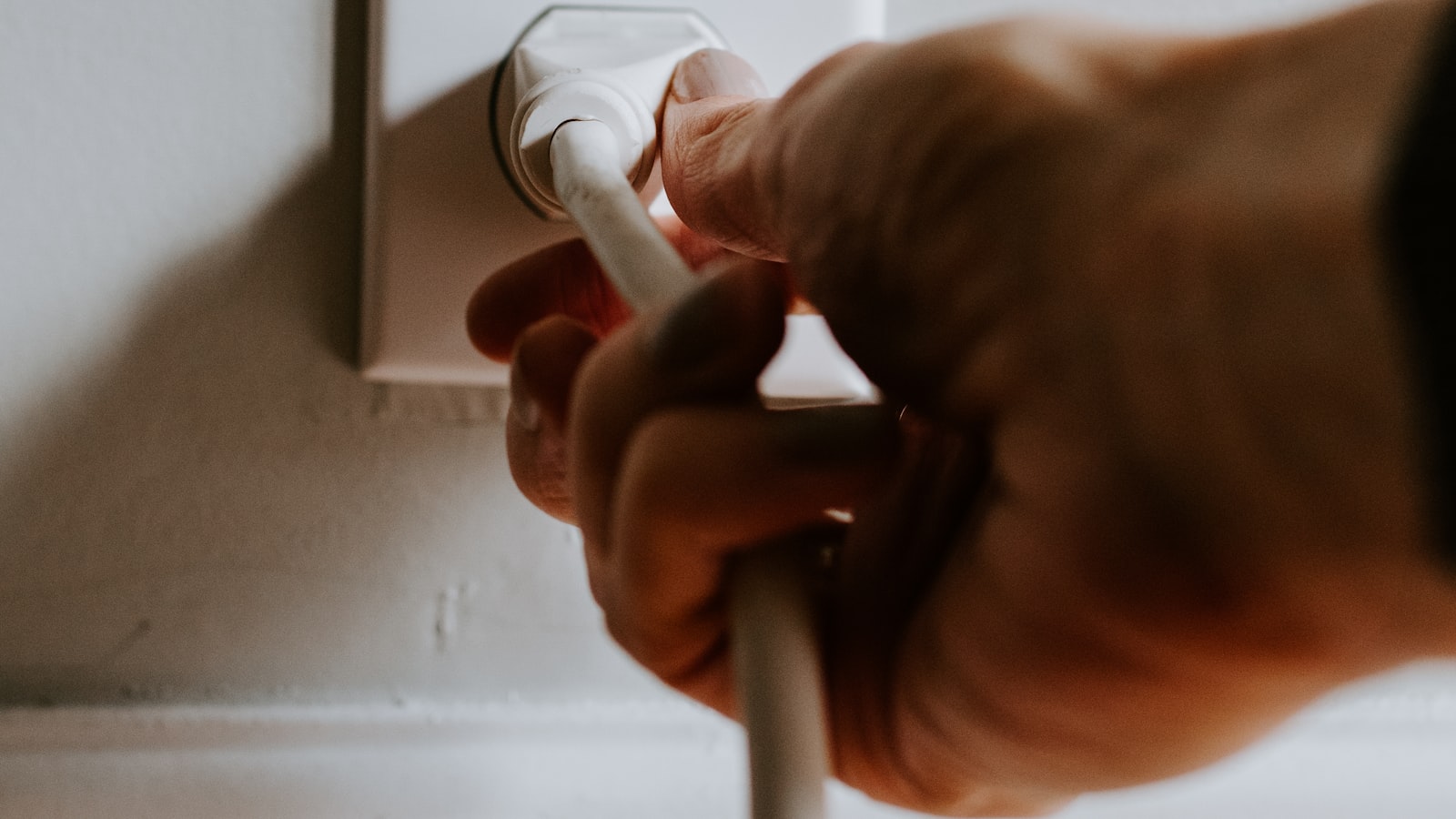
A smart plug is the cheapest thing in the smart home, and the easiest to be disappointed by. It does exactly one thing: it turns the power to a socket on and off. Everything clever about it comes from when it decides to do that.
Understood properly, it's the best value purchase in the whole category. Understood badly, it's a drawer full of plastic.
The rule that decides everything
A smart plug is only useful if the device plugged into it does something useful the moment it receives power.
That single sentence predicts almost every success and failure. A lamp with a physical switch left in the "on" position lights up the instant power arrives, so a smart plug turns it into a smart lamp. A coffee machine that needs you to press a button after powering up does not become a smart coffee machine. It becomes a coffee machine that is now powered up.
Before you buy, ask what the appliance does when it loses power and gets it back. If the answer is "it just starts working again", a plug will work. If the answer is "it waits for a button press" or "it returns to standby", it won't.
What smart plugs are genuinely good at
Lamps. The classic use, and still the best one. Floor lamps and table lamps that have no smart bulb option, or fittings where a smart bulb would be awkward, become schedulable and voice-controllable for very little money.
Anything you leave on by accident. A towel rail, a space heater, a fan, an amplifier. The plug's real value here isn't automation, it's the answer to "did I leave that on?" from the other side of the country.
Christmas lights and seasonal decoration. No wiring, no ladder, on at dusk and off at midnight, forever. This is the use case nobody regrets.
Making dumb appliances part of a routine. A "good night" routine that kills the lamps, the heater, and the speaker in one command is genuinely pleasant, and it costs very little to build.
Reboot-by-schedule. A router or a device that gets sluggish after a few weeks can simply be power-cycled at 4am every Sunday. This one is unglamorous and quietly excellent.
What they are not good at
Saving meaningful energy on standby. This is the promise on the packaging and it is mostly oversold. Modern electronics draw very little in standby, so switching it off saves very little. The savings are real but small, and it takes a long time to pay back the plug. Where a plug does save real money is on high-draw devices left running by mistake, which is a habit problem, not a standby problem.
Anything with its own start-up sequence. Covered above, but it's the mistake people make most.
Precision. A plug knows nothing about the thing plugged into it. Many report power consumption, and that's useful for finding out what's actually costing you money. But a plug cannot dim, cannot adjust, and cannot tell whether the appliance is working or has failed.
The safety part, which is not optional
This section matters more than the rest of the guide.
Never automate something that could be dangerous if it turned on unattended. A heater that switches on while a coat is draped over it, or a hair straightener that comes on because a schedule fired, is a genuine fire risk. If a device gets hot and you would not leave it running while you're out, it does not belong on a schedule.
Never put a fridge or freezer on one. A smart plug can fail in the off position, silently, and the first you'll know is the smell. Nothing that must never lose power should sit behind a device whose entire job is cutting power.
Respect the load rating. Every plug has a maximum current, printed on it and in the manual. Heaters, kettles, and irons draw a great deal, and are exactly the appliances people think to automate. Check the appliance's draw against the plug's rating rather than assuming. This is the one specification on a smart plug that genuinely matters.
Don't daisy-chain. A smart plug into an extension lead into another adapter is how you find the limits of all three.
Buying: the parts worth checking
Sockets and voltage are regional. Plugs are sold in country-specific versions with different pins and different voltage ratings. This sounds obvious, and it is the single most common ordering mistake, because an import listing will happily sell you the wrong one. Buy from your own region's store.
Physical size. Cheap plugs are bulky and will block the second socket on a double outlet. If you need both sockets, look for a slim or angled body. Check the dimensions, not the photo.
Wi-Fi or Zigbee/Thread. A Wi-Fi plug needs no hub and is the simplest thing to buy, which is why it's the usual starting point. The trade-off arrives at scale: twenty Wi-Fi plugs are twenty more devices on your router, and cheap ones are the classic cause of a network that feels congested. If you already own a hub such as the Echo Hub, Zigbee or Thread plugs are more efficient and more reliable in numbers. See our Matter and Thread guide if that distinction is new.
Energy monitoring. Worth having if you want to find out what's actually expensive in your house. Treat the readings as indicative rather than exact.
A physical button. You want to be able to switch the thing on when the Wi-Fi is down and the app is sulking. Most have one. Some don't, and you'll resent it.
The three we would actually buy
A plug is a plug. What separates these is the ecosystem you already live in, and none of them scores above 8, which tells you something about the category.
If you want energy monitoring and no hub: the TP-Link Tapo P110, which we score 7.9. It is cheap, it is small enough not to steal the neighbouring socket on a double outlet, and its schedules keep running on the device when the internet drops. Two things keep it in the sevens, and the first is awkward given the headline feature. The energy monitoring is a one-hour average rather than live power, it loses accuracy below roughly 5 W, and owners comparing it against their meter report it under-reading variable loads. It is fine for ranking which appliance costs you most. It is not a meter. The second: the plain P110 is not Matter and has no Apple Home route. Note that TP-Link's own page muddies this. The P110M is the Matter one, and it is a different product.
If you are on Apple Home, or you want it local: the Eve Energy, which we score 7.8. It runs Matter over Thread, works with no cloud account at all, and reviewers rate its power metering the best here. But read this before you buy: the Matter version is Thread-only and dropped the Bluetooth fallback the old HomeKit model had. Without a Thread border router in the house, this plug does nothing whatsoever. A HomePod mini has one. A Thread-capable Echo has one. And here is the trap that catches people: the Apple TV 4K only has one in the 128 GB Wi-Fi + Ethernet model. Apple's own spec sheet lists Thread under that model alone, so the cheaper 64 GB Wi-Fi box, which is the one most people buy, will not do the job. That is a hard gate and a hidden extra cost, and it is the entire reason this plug sits below 8.
If you own an Echo and want it to just work: the Amazon Smart Plug, which we score 6.8, our narrow-case band. Setup genuinely is the easiest here, because it arrives already tied to your Amazon account. Everything else argues against it. It is Alexa-only with no Matter, so the lock-in is permanent. It has no real energy monitoring. It costs more than better-specified rivals, and one review ranked it seventh out of eight plugs tested. We earn commission on it and we are telling you it is the weakest plug on this page. Buy it only if you are certain you will never leave Alexa.
Mains plugs are physically regional, and this is the mistake people actually make. A UK 3-pin is not a US 2-pin is not a Schuko, and the voltage differs too. Buy from your own region's store rather than whichever import listing looked cheaper.
Bottom line
Buy one, not six. Put it on a lamp, live with it for a fortnight, and see whether you reach for it.
Smart plugs are the cheapest way to find out whether you actually enjoy home automation, and the honest truth is that some people use them daily and some forget they exist within a month. Spending a little to discover which one you are is a much better plan than buying a multipack on the strength of an energy-saving claim that was never going to pay for itself.
New to all of this? Our beginner's guide puts plugs at step three, after a hub and lighting, and that ordering exists for a reason.
Affiliate note. The product links above are affiliate links and we may earn a commission at no extra cost to you. Commission does not buy a recommendation. The lowest-scoring plug on this page is Amazon's own. How we research and score.
Frequently asked questions
- What can a smart plug actually do?
- It can cut or restore power to whatever is plugged into it, on a schedule, by voice, or as part of an automation. That is the whole feature. It works brilliantly for anything that is useful the moment it gets power, like a lamp, a fan, a heater, or Christmas lights.
- What should you never plug into a smart plug?
- Anything that could be dangerous if it switched on while unattended, and anything that must not lose power. Hair straighteners, heaters left near furniture, and medical equipment are obvious cases. Fridges and freezers should be left alone too, because a plug that silently fails off will quietly spoil everything inside.
- Do smart plugs actually save energy?
- Only a little, and less than most people expect. Modern devices draw very small amounts of standby power, so cutting it saves pennies. Where a plug does save real money is on things that draw serious power and get left on by accident, like a space heater, a towel rail, or a games console left running for hours.
- Do smart plugs need a hub?
- Most Wi-Fi smart plugs connect directly to your router and need no hub at all, which is why they are the easiest first smart-home purchase. Zigbee, Thread, and Z-Wave plugs are more power efficient and more reliable at scale, but they need a hub or border router to talk to.
Products mentioned
- TP-Link Tapo P110 Mini Smart Wi-Fi Plug with Energy Monitoring
The default cheap smart plug for Alexa and Google homes, and the one to pick if you want a rough answer to what an appliance costs to run. Treat the energy figures as indicative, not metering. If you are on Apple Home, or you want Matter, buy the P110M instead.
- Eve Energy (Matter) Smart Plug
If you already have a Thread border router, this is the plug to buy and the trade-offs are mostly about money. If you do not, buy the hub first or buy a different plug, because the Matter version has no Bluetooth fallback and will not run without one.
- Amazon Smart Plug
Buy it only if you are certain your home will stay Alexa-only. In that one case the setup really is trivial and it does the job. Everyone else is better served by a Kasa, Tapo or Meross plug that costs the same or less, works with every major platform, and actually reports how much power the thing is drawing.
- Amazon Echo Hub
A dedicated wall panel for a serious Alexa smart home, and only for that. If you have a lot of devices and want a glanceable dashboard instead of a phone, it delivers. If you have a few bulbs, buy an Echo Show and save the money.
- Google Nest Hub (2nd Gen)
The cheapest sensible way into Google Home, and a good bedside or kitchen display. Sleep Sensing is still free, whatever you may have read. Just do not count on radar tracking you accurately if you share the bed.
More on energy
- Can You Use a Smart Plug With a Space Heater?
Manufacturers genuinely disagree, so check yours. But the electrical rating is the smaller question. The one that matters is whether a heater should ever switch on while nobody is in the room.
- Do Smart Plugs Use Electricity When They're Off?
Yes, always. A smart plug has to stay awake to hear the command to switch on, and that costs a trickle of power around the clock. Here is how much, and when it is worth caring about.
- Do Smart Thermostats Actually Save Money?
Sometimes, and it depends almost entirely on how you heat your home now. If your timer is already well set and you turn the heating down when you go out, expect very little.
- Do Smart Thermostats Work Without Wi-Fi?
Yes, for the part that matters. The schedule runs on the thermostat itself, so your heating keeps working when the internet drops. What you lose is the app, geofencing and voice control.
Affiliate disclosure: we may earn a commission when you buy through links on this page at no extra cost to you. Read our methodology.