Streaming Stick or Your TV's Built-In Apps?
Your TV already has apps. So why do streaming sticks still sell? The honest answer is speed, updates, and how long your television will keep getting them.
By Connected Home Team · Updated 12 July 2026
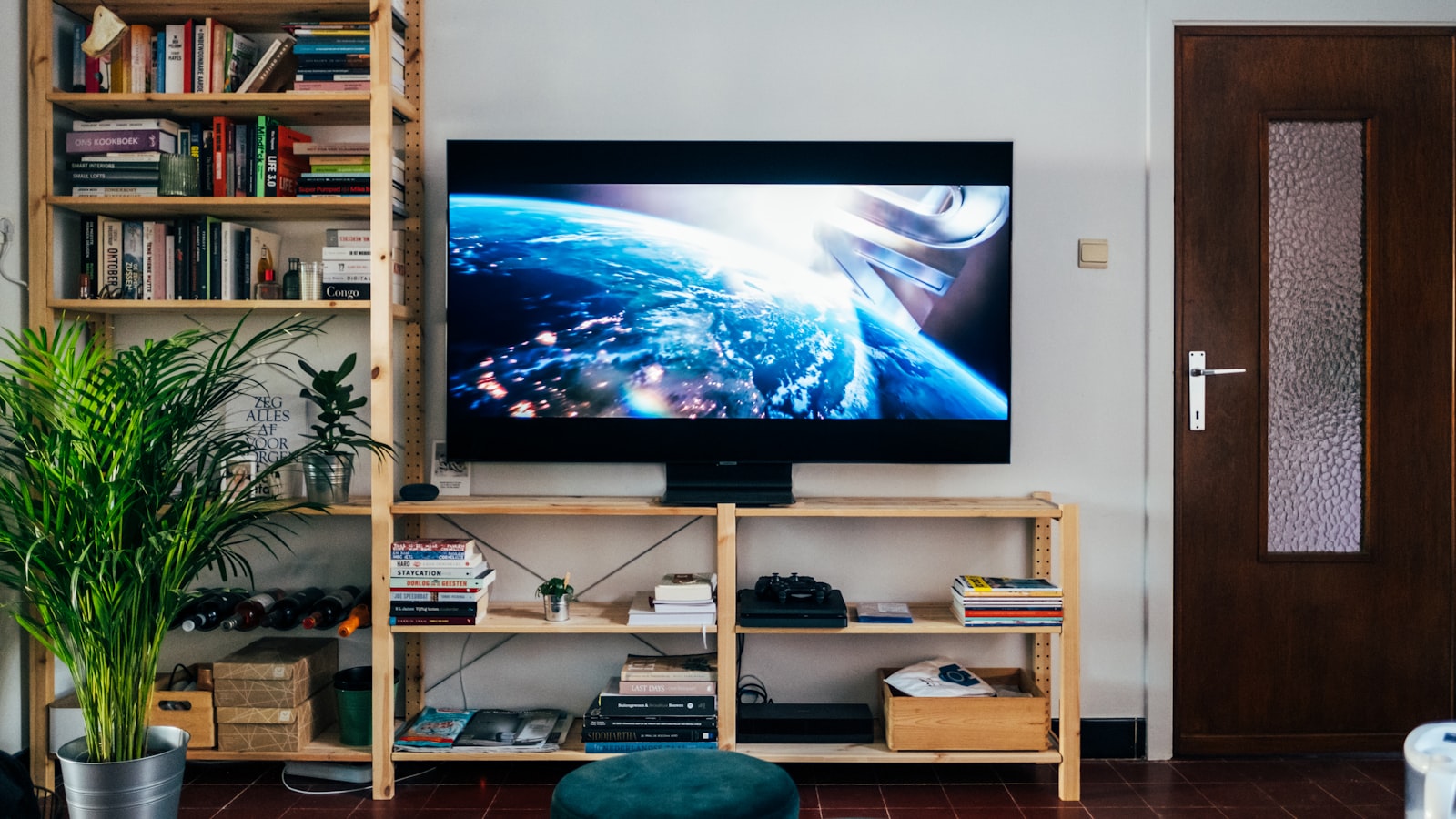
Every television sold now is a smart TV. It has apps, a store, and a voice remote. So it's a fair question why streaming sticks still sell in the numbers they do, when the thing they plug into already does the job.
The answer isn't really about features. On day one, a good smart TV and a good stick show you the same shows in the same quality. The difference is what happens in year three.
The core problem: a TV lasts longer than its software
A television is a ten-year purchase. Its software is not.
Sets ship with a modest processor and just enough memory for the apps of their launch year. Those apps get heavier every year. The hardware does not. The result is familiar to anyone who has owned a set for a while: it takes eight seconds to open an app that used to open in two, the interface stutters, and eventually an app stops supporting the platform altogether and simply disappears.
Meanwhile the panel itself, the expensive part, the part you actually bought, is still perfectly good.
This mismatch is the entire argument for a streaming stick. It puts the part that ages badly into a cheap box you can replace for very little, and leaves the part that ages well alone.
When the built-in apps are fine
Don't buy a stick you don't need. If all of this is true, use what you have.
The TV is recent. A set from the last couple of years, on a well-supported platform, is quick and will stay quick for a while. Adding a stick gains you nothing except another remote.
It runs a platform with real backing. Televisions built around a major streaming platform tend to get proper app support for longer than sets running a manufacturer's own in-house software, which is often the first thing abandoned.
The apps you use are all present and quick. This is the only test that matters. If your services open promptly and behave, you have no problem to solve.
You hate extra boxes. One less remote, one less power supply, one less input to switch to. This is a legitimate preference and not a small one.
When a stick is worth it
The TV has got slow. This is the most common reason and the best one. A cheap stick can make a five-year-old television feel new, at a fraction of the cost of replacing it. It is one of the best value purchases in home tech, and it's genuinely satisfying.
An app you need has been dropped. Once a service stops supporting your TV's platform, no amount of patience fixes it. A stick is the fix.
You want the same interface everywhere. If your other rooms already run a particular platform, matching them means one remote layout, one search, one watchlist. Households appreciate this more than the spec sheets suggest.
You want features the TV never got. Newer sticks pick up formats, codecs, and voice features long before an old set does. Note the limit here: a stick cannot add a capability the panel itself lacks. It cannot make a non-HDR television display HDR. It can only feed the screen properly with what the screen can already show.
Privacy. Covered below, and it's a stronger argument than most people expect.
The privacy angle, which is not small
Smart TVs are among the most aggressive data collectors in the house. Many use automatic content recognition, which samples what's on the screen and identifies it, including content coming from devices plugged into the HDMI ports. That means it can profile what you watch even when you aren't using the TV's own apps at all.
This is used for advertising, and on many sets it's on by default.
Streaming sticks also track viewing, and some platforms are considerably more advertising-driven than others. So this is not a clean win. But it is generally an easier thing to limit on a stick than on a television, and it's one more argument for keeping your viewing off the panel's own software.
Whichever you use, go into the privacy settings once, deliberately, and turn off content recognition and ad personalisation. It takes ten minutes and it is the single most effective thing you can do here. Our smart home privacy guide covers the same principle across the rest of the house.
What actually decides your experience
Two things matter far more than which platform you pick, and both get overlooked.
Your internet connection and your Wi-Fi. Buffering is almost never the fault of the stick. It's the connection to it. A streaming device in a far room, two solid walls from the router, will stutter regardless of how fast its processor is. If a particular room is a problem, fix the coverage before you replace the hardware. Our guide on Wi-Fi dead zones starts with the free fixes, and if the house genuinely needs more coverage, mesh is the answer. Where you can, plug the device into Ethernet and stop thinking about it.
The remote. You will touch this thousands of times. A remote with a good layout, a mute button where your thumb expects it, and no unskippable branded buttons for services you don't subscribe to is worth more day to day than any spec on the box. This sounds trivial. It is not.
If you have decided to buy one
Three devices, and the interesting thing is that none of them scores especially highly. Streaming boxes are a category where every option asks you to accept something.
The best all-rounder: the Roku Streaming Stick 4K, which we score 8.1, the highest here. It has Dolby Vision, AirPlay 2, and a search that genuinely ranks results by price across services rather than steering you towards whoever paid. One honest caveat, and it is getting worse rather than better: Roku's 2026 home-screen redesign added advertised tiles and an AI recommendation strip with no way to turn them off, and the reception was hostile. Roku is still the least pushy of the big platforms. It is less true than it was.
The most powerful, and the most advertised: the Fire TV Stick 4K Max, at 7.4. The hardware is excellent and the app catalogue is the widest anywhere. The home screen is an advertising surface, and that is not a figure of speech. One reviewer found ITVX nineteen rows down while Amazon's own content took the top of the screen, and since late 2023 the cursor lands by default on a banner that expands into a full-screen video advert when the device wakes. Amazon lets you downgrade that to a silent slideshow. It does not let you switch it off. We earn commission on this one and we are telling you it has the worst interface here.
The best box, and probably not the one you want: the Apple TV 4K, at 7.6. It is the fastest, the picture processing is the best in the class, and there is no advertising on the home screen at all. It also costs roughly three times what a good stick costs, and the calibration, setup and remote all quietly assume you own an iPhone.
One warning if you are buying it as a smart home hub, which is a common reason on a site like ours. Only the 128 GB Wi-Fi + Ethernet model has a Thread radio. Apple's own spec sheet lists Thread under that model and no other. So the cheaper 64 GB Wi-Fi box will act as a Home hub over Wi-Fi but will not be a Thread border router, and a Thread device like an Eve Energy plug simply will not connect through it. If that is why you were buying an Apple TV, pay the extra and get the right one.
Bottom line
If your television is recent and its apps are quick, do nothing. You already own what a stick would give you.
If it has slowed down, lost an app, or is simply getting on, buy a cheap streaming stick before you consider a new television. It's a small fraction of the price of a set, and it fixes the part that has actually aged. The panel is usually still fine.
And in either case, spend ten minutes in the privacy settings, and get a wire to the thing if you can.
Affiliate note. The product links above are affiliate links and we may earn a commission at no extra cost to you. Commission does not buy a recommendation. The device we rate lowest here is Amazon's, and Amazon is who pays us. How we research and score.
Frequently asked questions
- Do I need a streaming stick if my TV is already smart?
- Not at first. A recent television with a well-supported platform will do everything a stick does. The case for a stick grows as the TV ages: the built-in apps get slower, the platform stops receiving updates, and apps eventually drop support for it. A stick is a cheap way to make an ageing television feel new again.
- Why do smart TV apps get slow over time?
- Televisions ship with modest processors and just enough memory for the software of their launch year. Apps grow more demanding every year, and the TV's hardware does not. The set is often perfectly good as a screen long after its built-in software has become painful to use, which is exactly the problem a stick solves.
- How long do smart TVs get software updates?
- Considerably less time than the television will physically last, and manufacturers rarely commit to a number. That mismatch is the strongest argument for keeping the smarts in a cheap, replaceable box rather than in the expensive panel you intend to own for a decade.
- Do streaming sticks track what I watch?
- Yes, and so do smart TVs, often more aggressively. Many televisions use automatic content recognition to identify everything on screen, including from devices plugged into them, and use it for advertising. Both platforms let you limit this in the privacy settings, and it is worth ten minutes on the day you set the thing up.
Products mentioned
- Roku Streaming Stick 4K
Still the easiest streaming stick to live with, and the one to pick if you are not already deep in Amazon's ecosystem or you want Dolby Vision without paying for a full set-top box. Buy it for the app-first interface and the neutrality, but go in knowing Roku is monetising the home screen harder every year.
- Amazon Fire TV Stick 4K Max (newest generation)
Buy it for the app catalogue, the speed and the format support, and go in knowing you are renting screen space to Amazon in return. If ads on a device you paid for will irritate you every single evening, that is a real cost and you should buy a Roku or an Apple TV instead. If you are already deep in Prime, the interface is arguing for content you were probably going to watch anyway, and the annoyance is much smaller.
- Apple TV 4K (3rd generation, 2022) Wi-Fi 64GB
The best streaming box, and the wrong Apple TV for most Matter and Thread households. If you want an Apple TV to act as a Thread border router, pay the extra and get the 128GB Wi-Fi + Ethernet version, which is the model with the Thread radio. Buy this 64GB one if you want the fastest, cleanest, ad-free streaming experience on your TV and you are happy for its smart-home role to be a Home hub over Wi-Fi.
Affiliate disclosure: we may earn a commission when you buy through links on this page at no extra cost to you. Read our methodology.